
Log every set
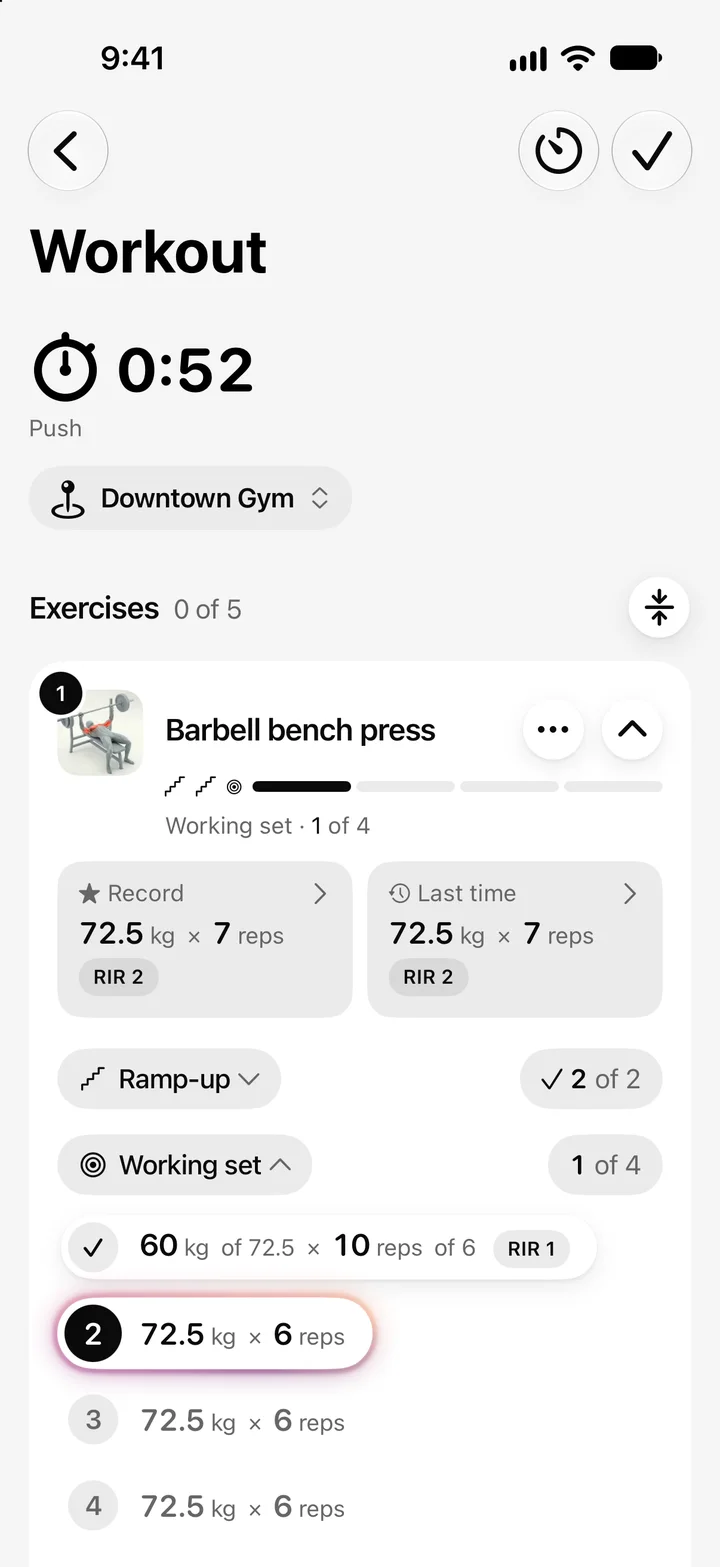
Weight and reps in a few taps, with your personal best and your last time in view.
For iPhone · English and Spanish
Log your sets, keep your rest on track and see your personal bests. No account: your data stays on your iPhone.


Open the app and train.
Backups whenever you want.
Even with your iPhone locked.
Follows your iPhone language.
Made to log fast between sets and understand your progress afterwards.
Weight and reps in a few taps, with your personal best and your last time in view.
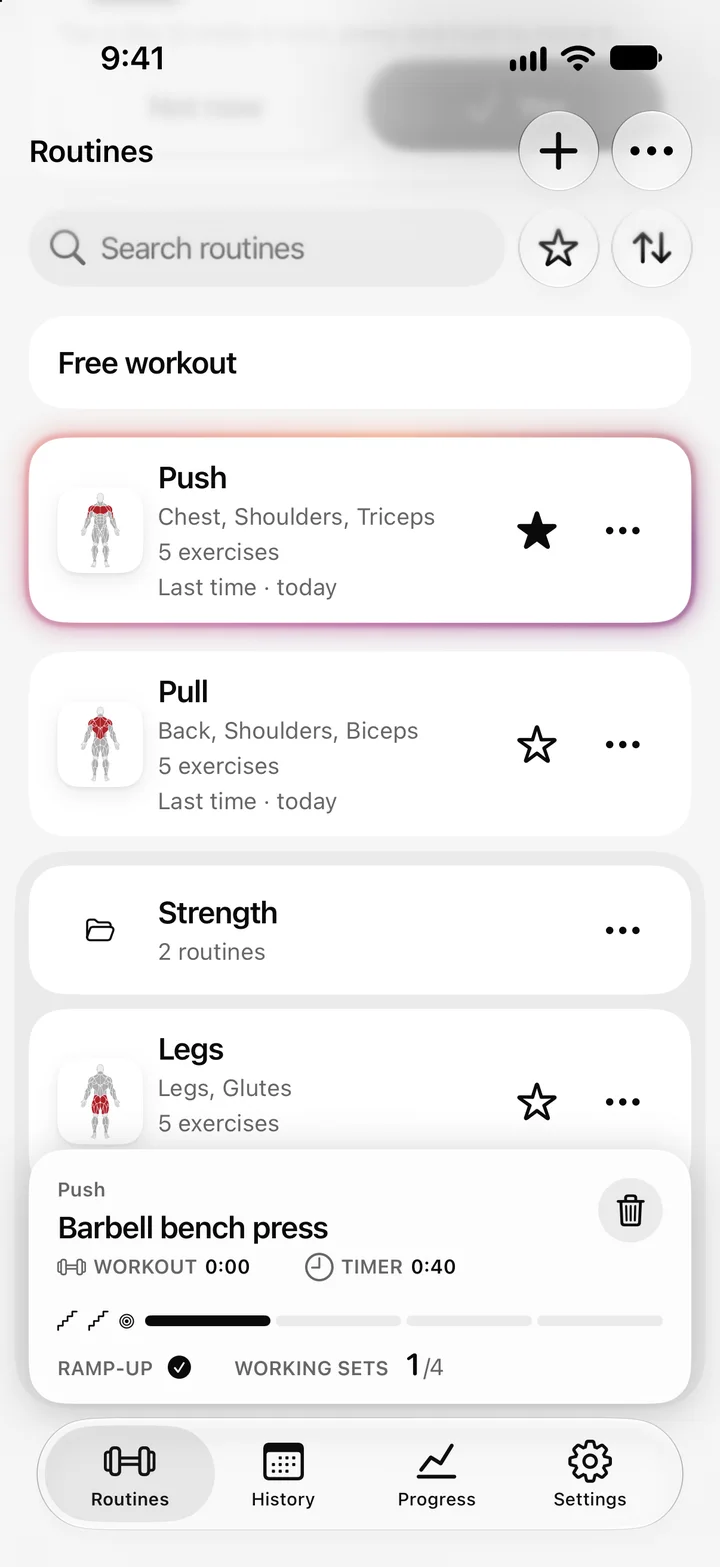
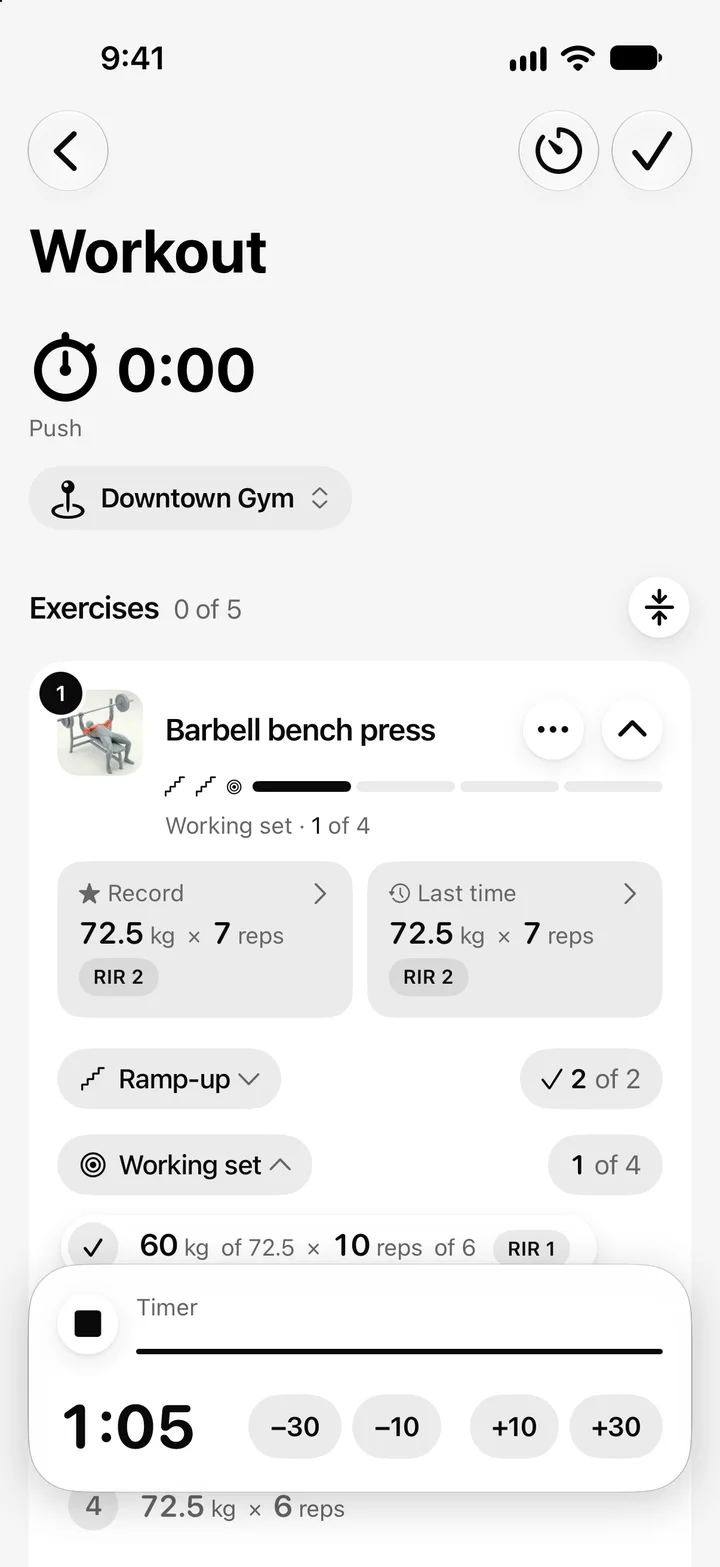
The timer stays on your Lock Screen and lets you know when it ends.
Build your own or start with Aura's and sort them into folders.
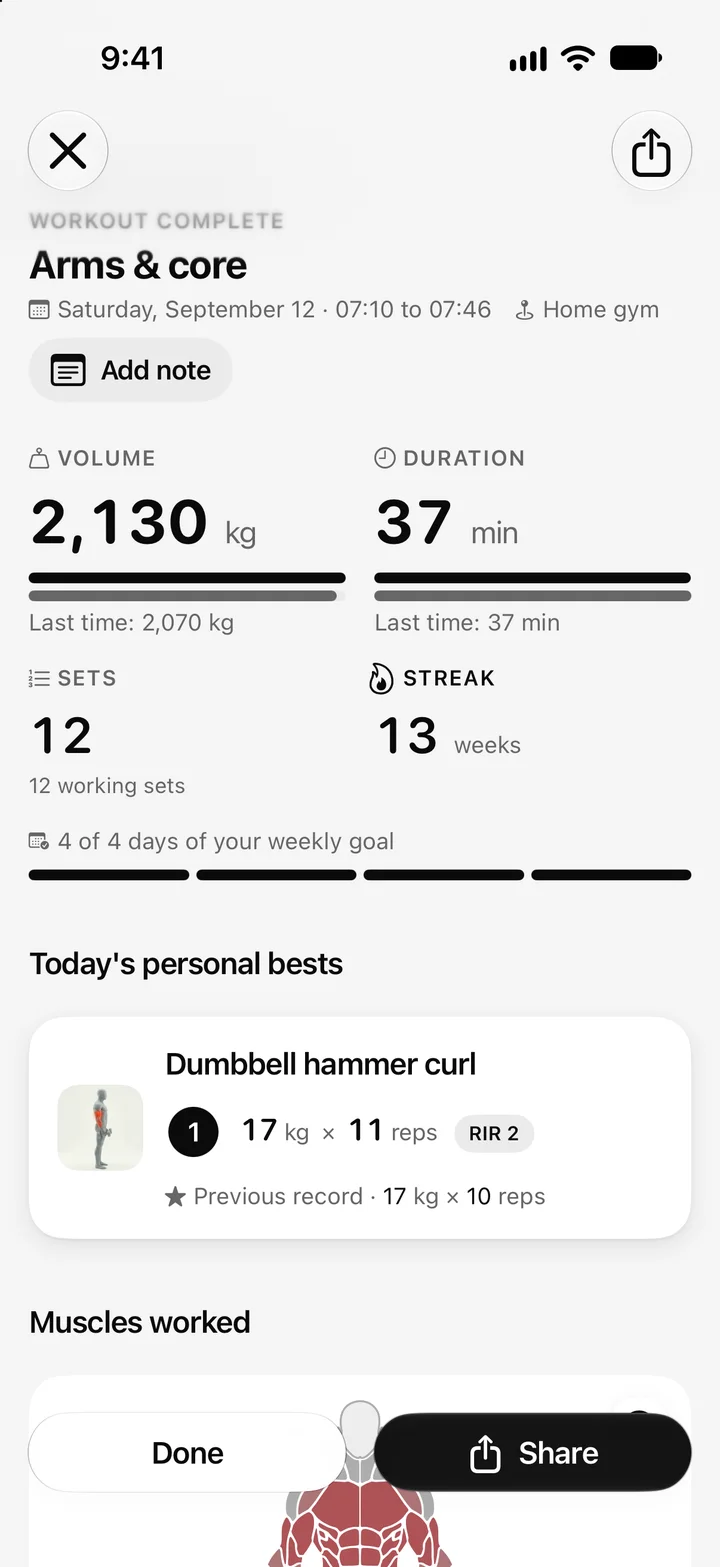
See your volume, duration and personal bests when you finish. Revisit your workouts in History.
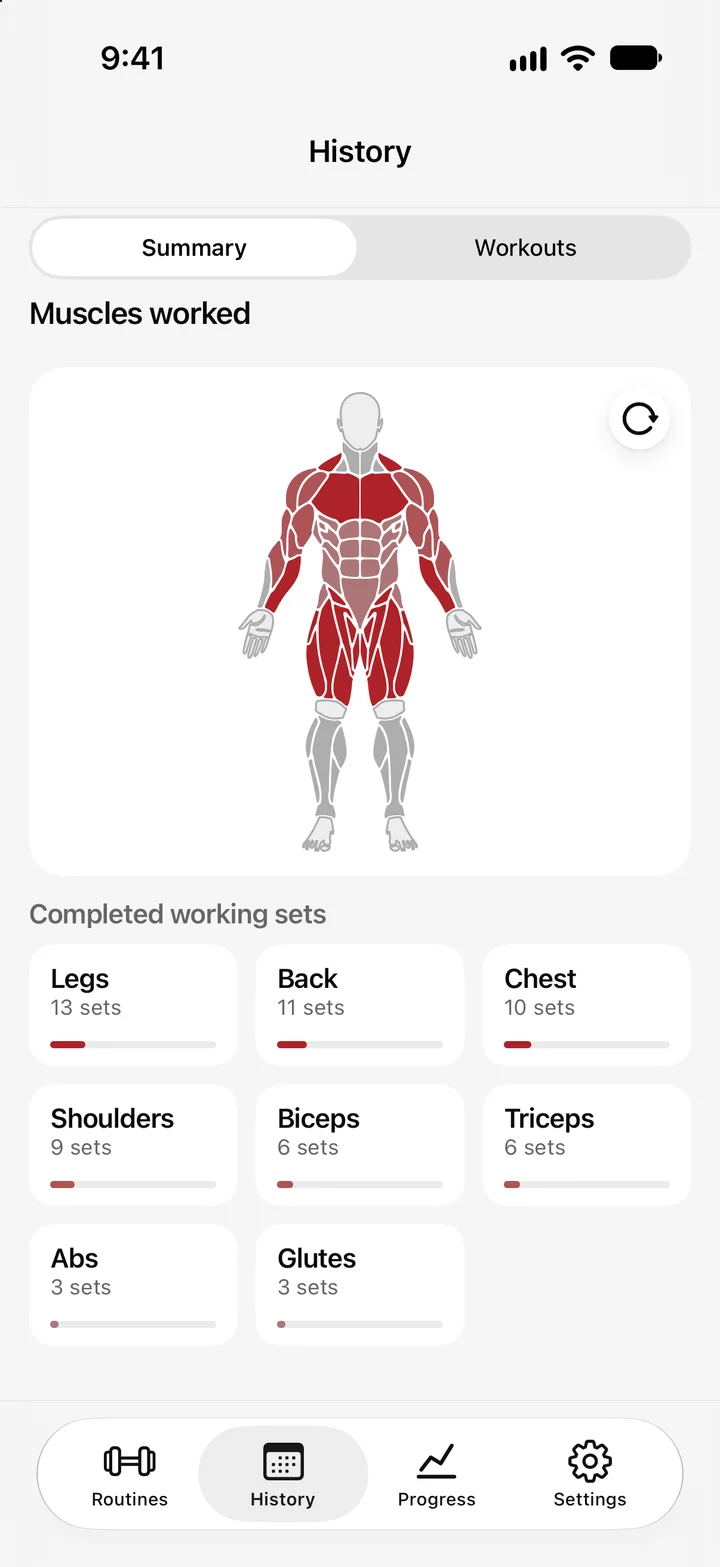
Rotate the body and see how your working sets are distributed through the week.
Privacy
You don't need an Aura account. Your logs are saved on your iPhone and you can export or restore backups whenever you want.
Open Aura and train. We don't ask for an email or a password.
Your workouts aren't uploaded to an Aura server.
Export your data and photos to a file and restore them whenever you want.
Another question? Email us at [email protected]
Aura requires a monthly or annual subscription to train. There is no free trial. The App Store shows the price for your region before you confirm, and you manage it through your Apple account. If you already had permanent access, you keep it.
No. Open Aura and train. Purchases go through your Apple account, with no Aura email or password.
In Settings > Local backups you create a backup with your workouts and photos. Keep it wherever you prefer and restore it on your new iPhone.
In Aura, open Settings > Subscription > Manage subscription, or the Subscriptions section of your Apple account. Deleting the app does not cancel the subscription.
Aura is made for iPhone. The App Store shows whether your model is compatible before you download it.
Open Aura on the App Store to check availability in your region.
Yes. Aura is in English and Spanish and follows your iPhone language.
No. Aura is made only for iPhone.
